
Zero alarms. No traffic. Nothing on the to-do list. That’s the dream until you come back from vacation to a house that’s been quietly falling apart in the July heat. A little prep before you leave is all it takes to protect your HVAC system and come home to cool air instead of a crisis.
Whether you’re gone for three days or three weeks, humidity and high temps can put serious stress on an unattended system. Spend 20 minutes on this checklist before you lock up. Your HVAC (and your wallet) will thank you.
Pre-Trip AC Checklist at a Glance
- Never shut the AC off. Aim for 78°F–82°F to keep heat and moisture in check.
- Turn on vacation mode. It maintains your settings and cools down before you’re back.
- Don’t skip the condensate drain. Clogs lead to overflow and hidden water damage.
- Pets change the equation. Keep it at 76°F or lower if someone’s staying behind.
- Check the basics before you leave. Filter, blinds, sounds, and a quick system test.
Set Your Thermostat to the Right Temperature (Not Off)
Cranking the thermostat all the way up before leaving town seems like a smart way to save energy. But in Texas summer heat, it’s actually one of the costliest mistakes you can make.
The sweet spot is between 78°F and 82°F. That range cuts energy costs without letting heat and humidity climb to damaging levels. Go above 85°F, and you’re looking at warped wood, peeling paint, damaged electronics, and the kind of moisture buildup that invites mold.
There’s a practical reason to stay in that range, too. A house that’s been baking at 95°F can take hours to cool back down, putting serious strain on your unit in the process. Keep the system ticking at a higher setpoint and you’ll walk into cool air instead of a sauna.
Use Vacation Mode on Your Smart Thermostat
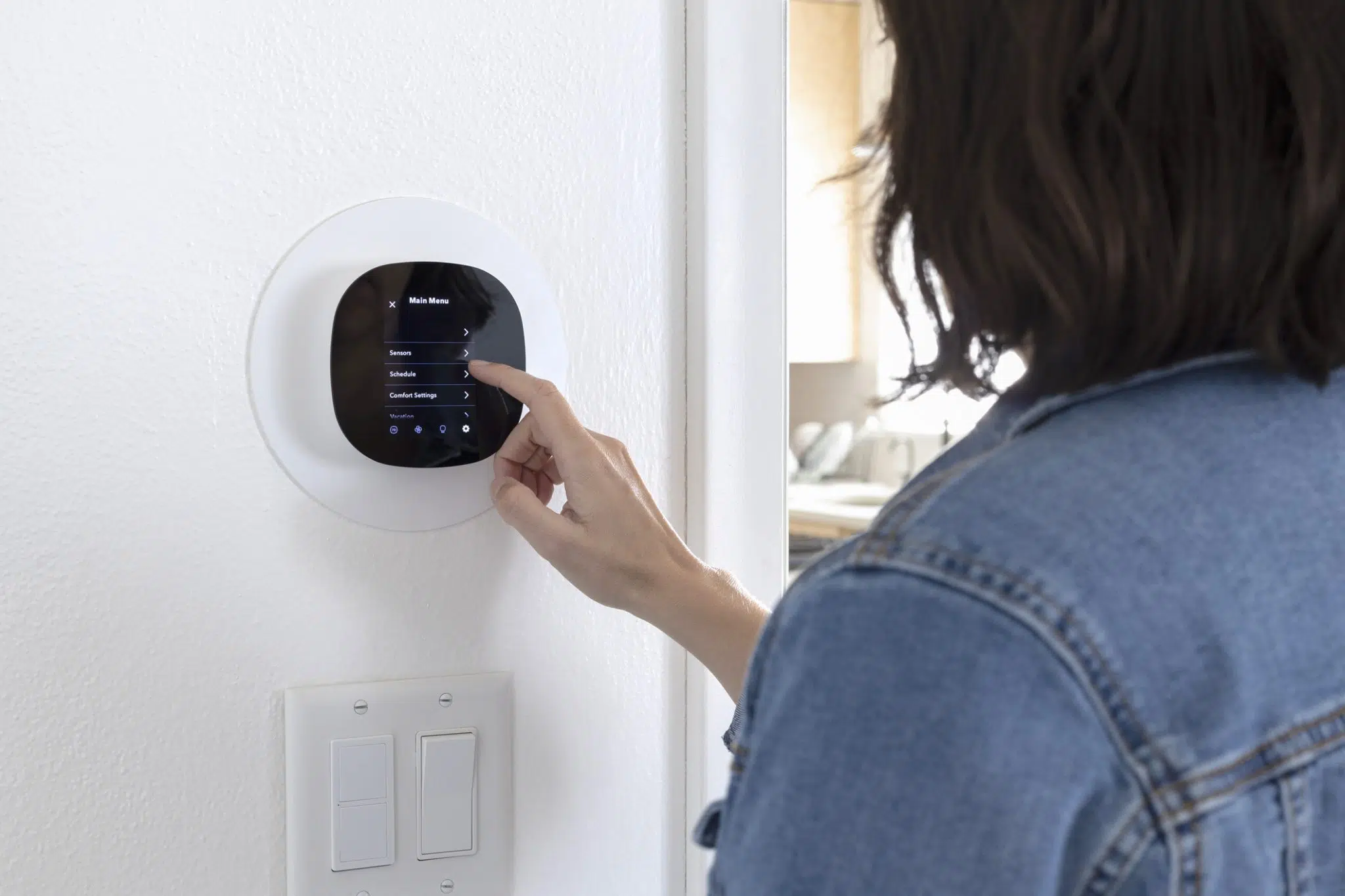
If you have a smart thermostat, now is the time to put it to work. Most modern models—Ecobee, Nest, and Honeywell Home—include a dedicated smart thermostat vacation mode that lets you program a set schedule for your absence without disrupting your usual settings.
Vacation mode typically holds a steady elevated temperature during your trip, then automatically begins cooling the home back down before your scheduled return. Set your arrival time, and it handles the rest. Some models also allow you to monitor your system remotely and receive alerts if something goes wrong, like an unexpected temperature spike that could signal a problem.
If your thermostat doesn’t have a vacation mode, a simple programmable schedule works fine; just set it and confirm the schedule is active before you walk out the door.
Check Your Condensate Drain Line (Seriously, Don’t Skip This)
Most people have never heard of a condensate drain line. Most people have also never come home from vacation to water damage in their ceiling. Those two things are more connected than you’d think.
Your AC removes moisture from the air every time it runs. That moisture exits through a drain line, and when that line clogs with algae or debris, the water backs up and overflows right into your floors, walls, and ceiling. Silently. Over two weeks. With no one home to catch it.
Take two minutes before you leave:
- Check the drain pan under your air handler for standing water
- Pour a splash of distilled white vinegar down the line to fight algae while you’re gone
- Spot standing water in the pan? Get it serviced before your trip, not after
Adjust Your Plan If Pets Are Staying Home
If your pets are staying at the house—whether with a sitter or on their own —the temperature equation changes. Dogs and cats are significantly more vulnerable to heat than humans, and an 80°F house is not a safe environment for a pet left alone for hours.
If an animal is staying behind, keep your thermostat at 76°F or lower, make sure your sitter knows where the thermostat is and how to use it, and leave your HVAC filters recently changed so the system runs cleanly. It’s also worth doing a quick check that all vents in the rooms where pets spend the most time are open and unobstructed.
A Few More Pre-Trip AC Checklist Items
Before you zip up the suitcase, run through these final steps:
- Change or check the air filter: A dirty filter reduces efficiency and makes your system work harder in an already-hot house.
- Close blinds and curtains: Blocking direct sunlight through windows reduces heat gain and takes some of the load off your AC.
- Check for unusual sounds or smells: If your system is making noise or running strangely before you leave, don’t ignore it. A minor issue now can become a major failure while you’re gone.
- Confirm your system is actually running: Set the thermostat a few degrees below room temperature, wait for the system to kick on, and confirm cool air is coming from your vents before you head out.
Before You Go, Make Sure Your System Is Ready
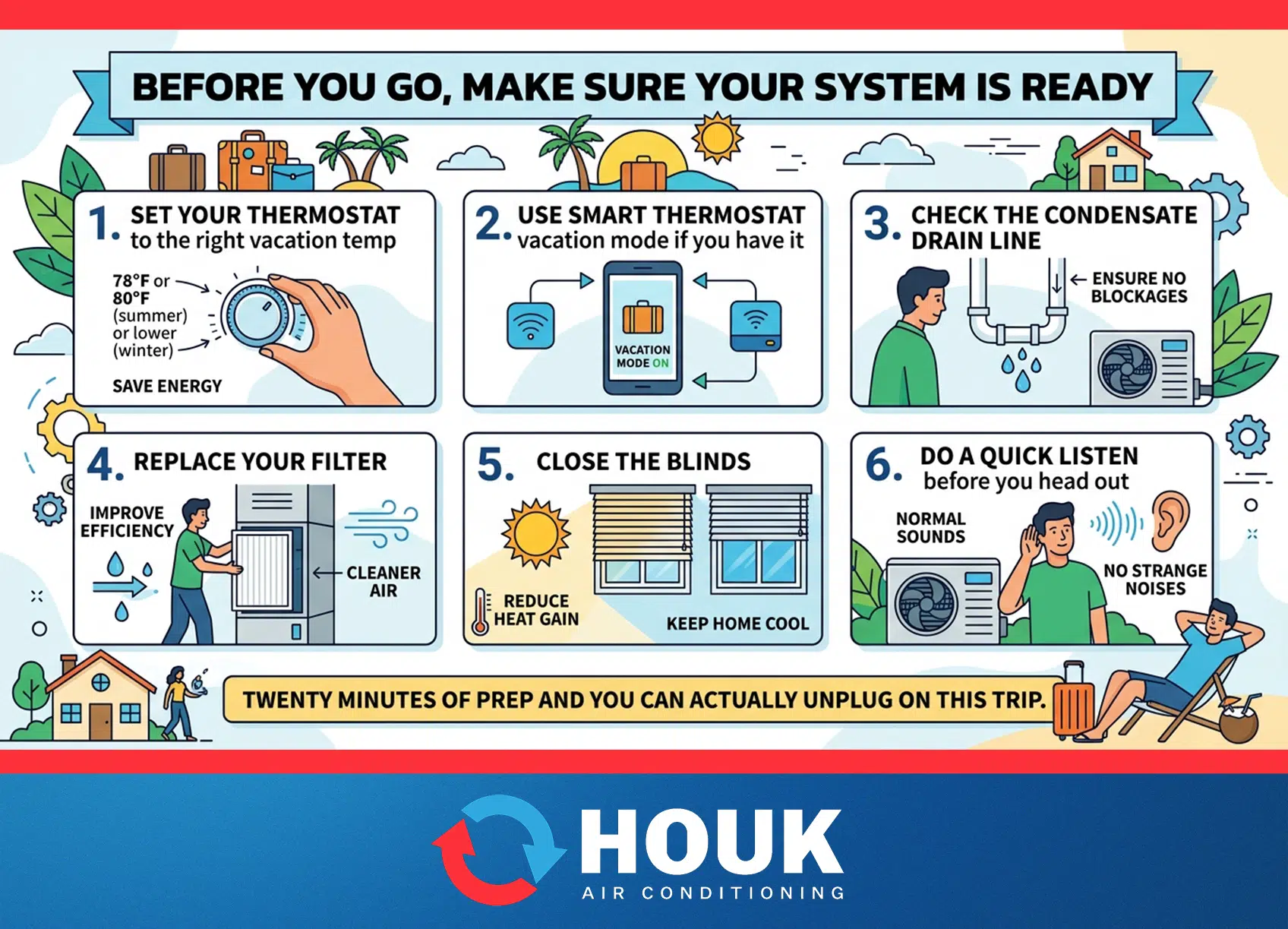
The checklist is short. Set your thermostat to the right vacation temp, use smart thermostat vacation mode if you have it, check the condensate drain line, replace your filter, close the blinds, and do a quick listen before you head out. Twenty minutes of prep and you can actually unplug on this trip.
If anything on this list is already a problem, now is the time to deal with it, and that’s where Houk AC comes in. Serving Texans since 1962, Houk AC is the team DFW homeowners trust to make sure their system is ready for whatever summer throws at it.
Book a Pre-Vacation HVAC Tune-Up in Dallas-Fort Worth
A pre-vacation tune-up means a trained technician checks everything on this list and then some—condensate lines, filters, thermostat settings, and overall system health. Leave town knowing everything is in good shape and come back to cool air, not a crisis. Request service today to get started.